SaaS Ad Copy That Explains the Product in One Line
Paste what your software does and who it's for and get a benefit-led headline, primary text, and a matching creative image built for a free-trial click, free.
SaaS ads have less room to be vague than almost any other category. A shopper scrolling past a product ad already knows what a t-shirt is; a prospect scrolling past a software ad has no idea what the tool does unless the headline says so in the first four words. That's why feature-to-benefit framing beats brand-first framing nearly every time: naming the specific problem a plan solves, and the specific action a free trial unlocks, earns the click that a vague "all-in-one platform" headline never will. The generator writes to that constraint by default — a benefit stated as a result, not a capability list, and a call to action that names the trial or demo instead of a plain "Learn More." One line about the product and the audience is enough to produce a headline, supporting copy, and a creative image that reads like a real product screenshot rather than a stock photo of a laptop.
What SaaS Marketers Get
Copy built to earn a free-trial click, not just a brand impression.
Feature-to-benefit headlines
Turns a feature list into a single outcome-led headline — what the plan does for the user, not what modules it ships with.
Free-trial and demo hooks
Calls to action written for the funnel stage that matters: start a free trial, book a demo, or see a live product walkthrough.
Use-case angles
Copy angled at a specific job-to-be-done — onboarding, reporting, scheduling — instead of a generic pitch for the whole platform.
Product-screenshot-style creative
Renders a clean, UI-style creative image so the ad looks like the product, not a stock photo standing in for it.
How the Generator Works
Three steps, about 20 seconds, and the first draft is ready to edit.
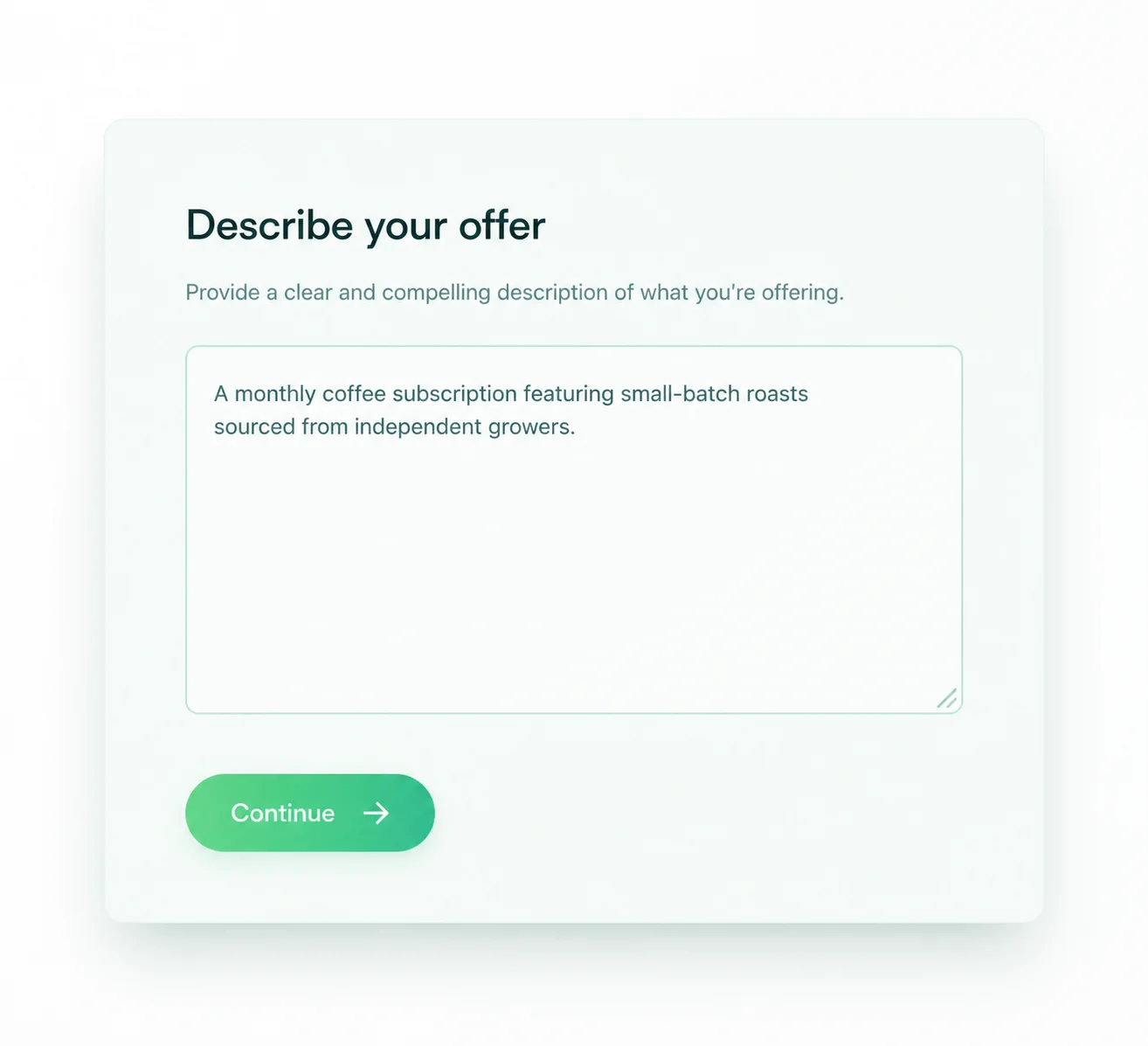
Step 1 — Describe the product
One line about what it does and who it's for
"Project management tool for remote teams, free 14-day trial" is enough. The generator reads the category, the audience, and the offer from that line.
Naming the audience matters as much as naming the feature — the copy changes for "remote teams" versus "agencies."
Step 2 — Pick the platform and the CTA
Choose the ad type and the funnel stage
Facebook, Instagram, Google Search, or TikTok, then a free-trial, demo-request, or awareness angle, and the copy and creative follow.
A demo-request ad and a free-trial ad should never share a call to action; the generator writes each to match the commitment being asked for.
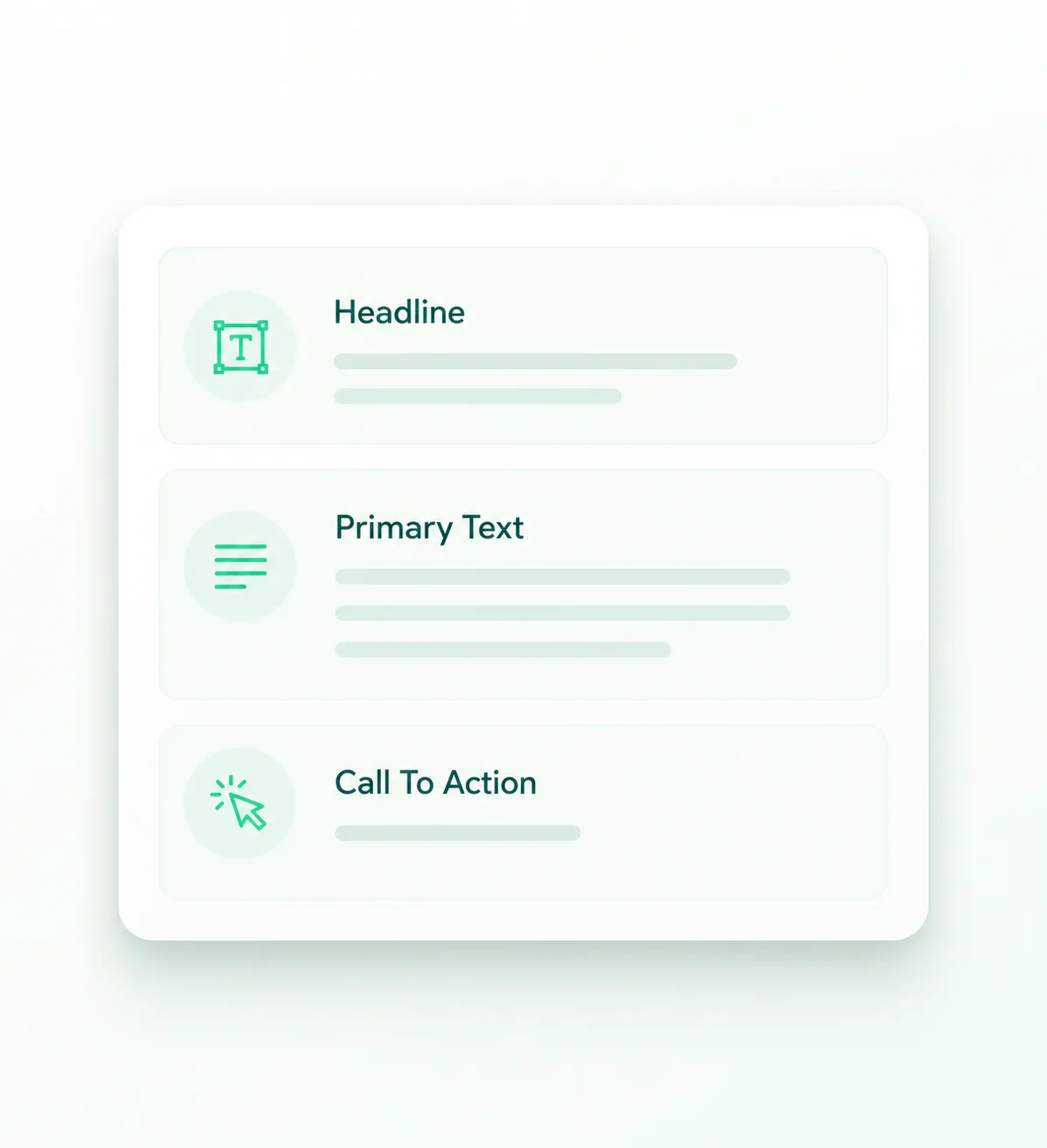
Step 3 — Get copy and creative, ready to run
Every field editable, every image regenerable
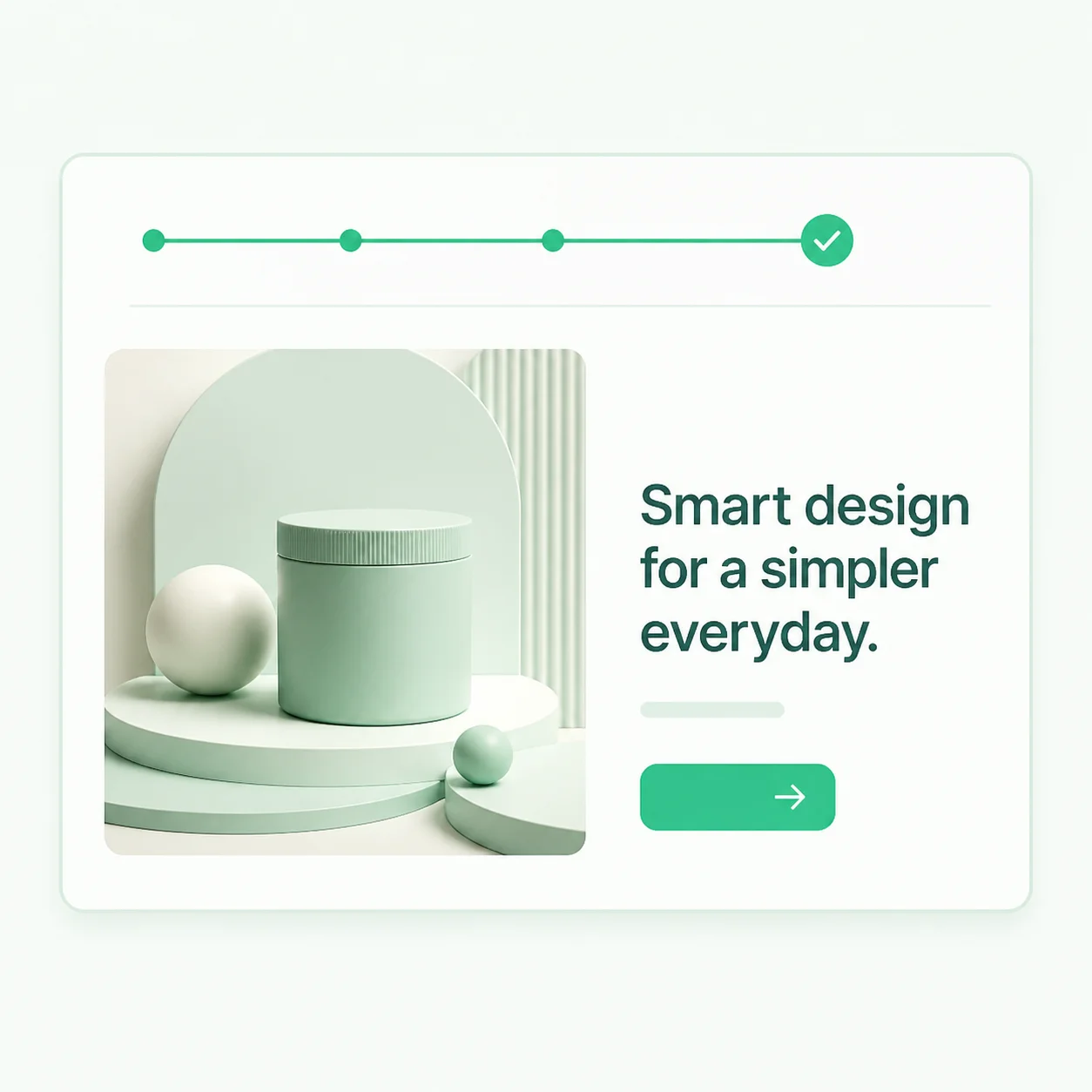
A headline, primary text, call to action, and a screenshot-style creative image arrive together, ready to edit until the wording matches the product's real voice.
Regenerate the creative as many times as needed — nothing is saved, nothing is locked.
Offers That Turn Into Ads
Three real product lines and the kind of ad the generator writes from each one.
Project management tool for remote teams, free 14-day trial
Remote Team Chaos, Organized in One Board
See every task, deadline, and owner in one place. Start your free 14-day trial — no card required.
Start Free TrialAI meeting-notes app, auto-summarizes calls, book a demo
Stop Taking Notes. Start Taking Action.
Every call, auto-summarized with action items assigned. Book a 15-minute demo and see it on your next meeting.
Book a DemoInvoicing software for freelancers, get paid roughly twice as fast
Send an Invoice, Get Paid in Days, Not Weeks
Automated reminders and one-click payment links get freelancers paid roughly twice as fast. Try it free.
Try It FreeSaaS Ad Copy FAQs
The questions software marketers ask before they paste their first product line.
Other Industries
Ready for SaaS Ad Copy That Explains Itself?
Describe the product and the audience, and get a benefit-led headline plus matching creative in about 20 seconds.
No account. No credit card. Nothing saved.